Turn videos into perfect slides.
Turn slides into narrated videos.
Redesign any slide with smart templates.
The all-in-one smart presentation engine. Upload a video to build slides, upload a presentation to generate a narrated MP4 in 20+ languages, or redesign any slide instantly using intelligent design templates.
10+
Video formats supported
2m 10s
Average processing time
99.9%
Reliable uptime
No credit card required | 25 free credits every month
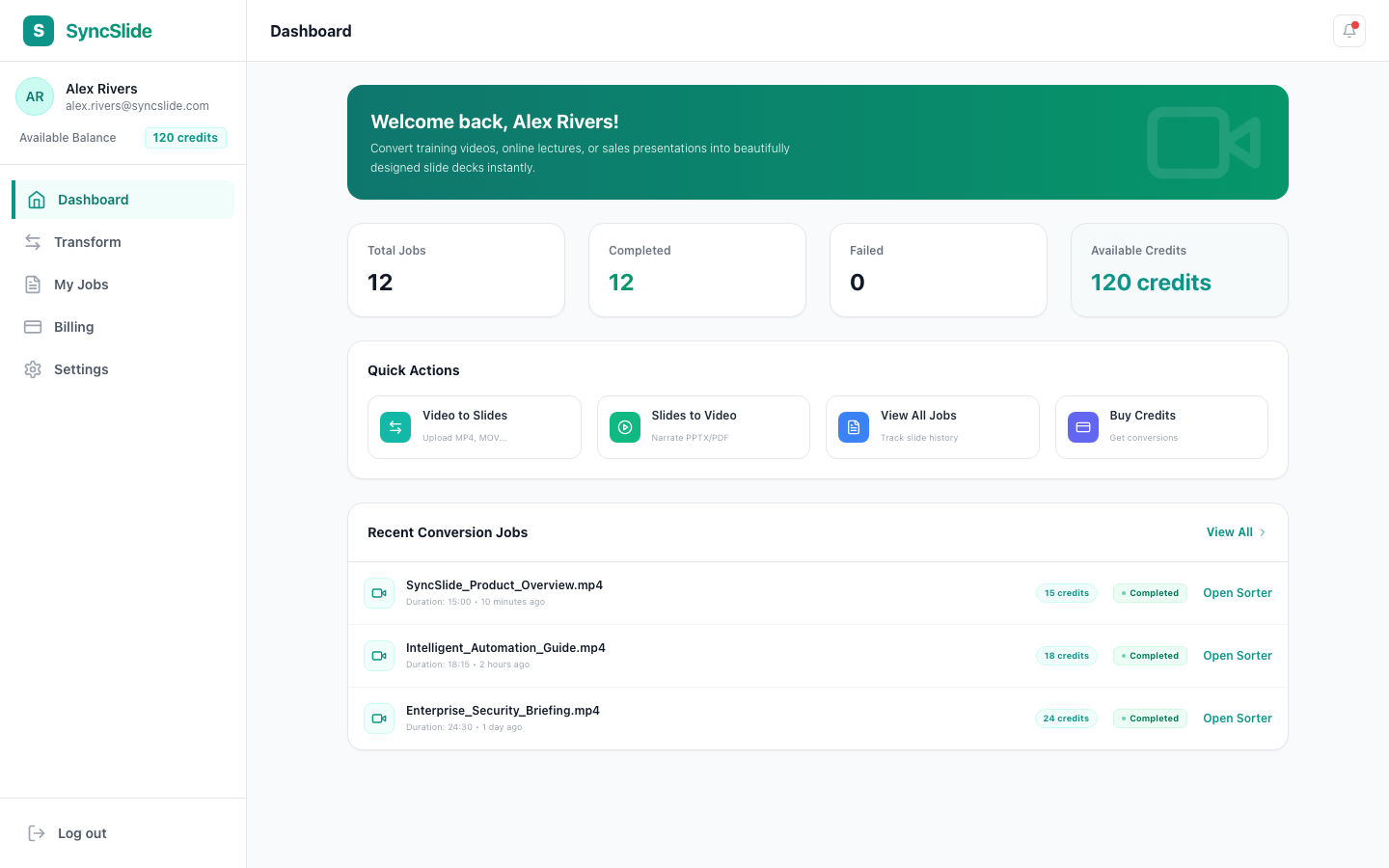
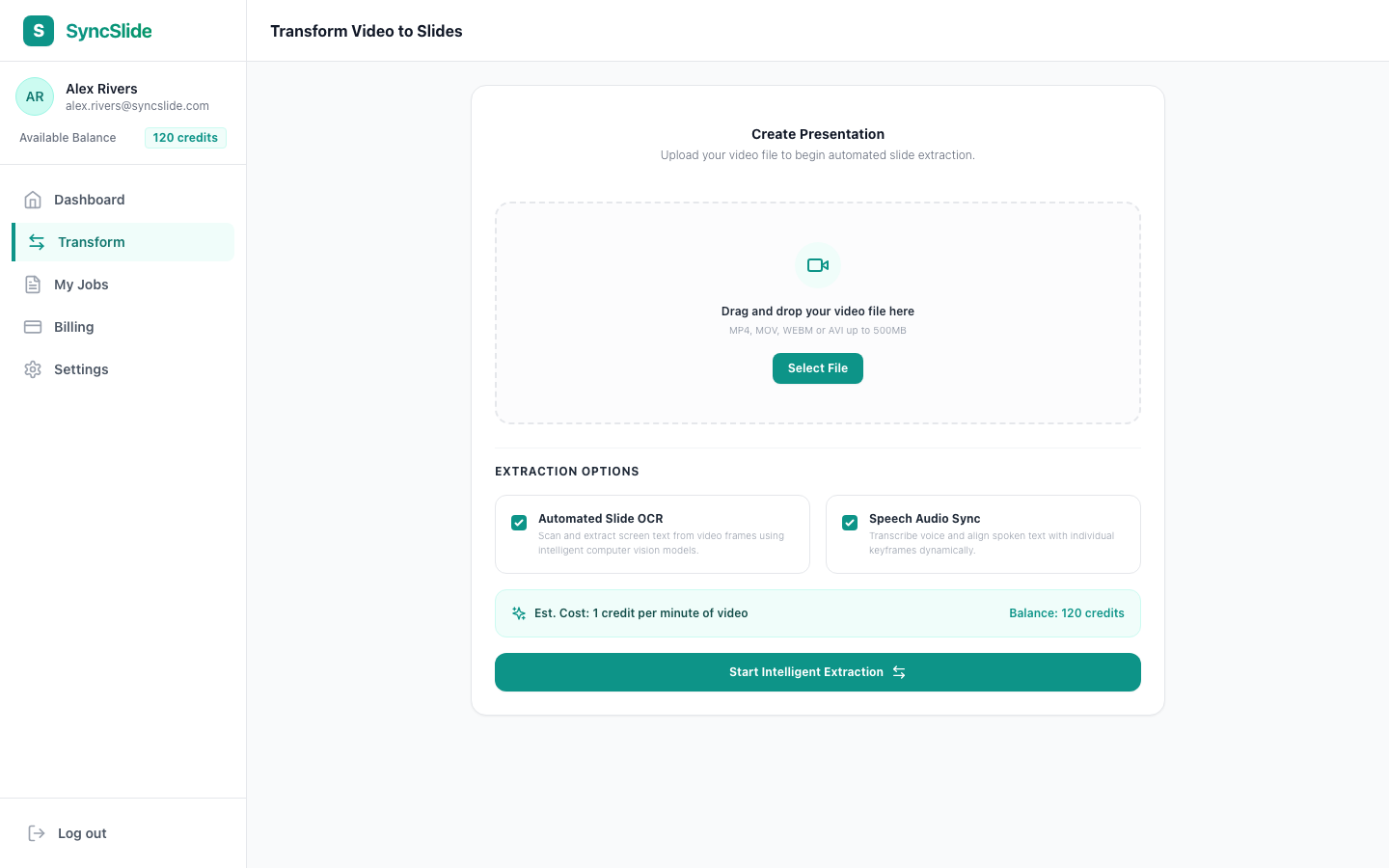
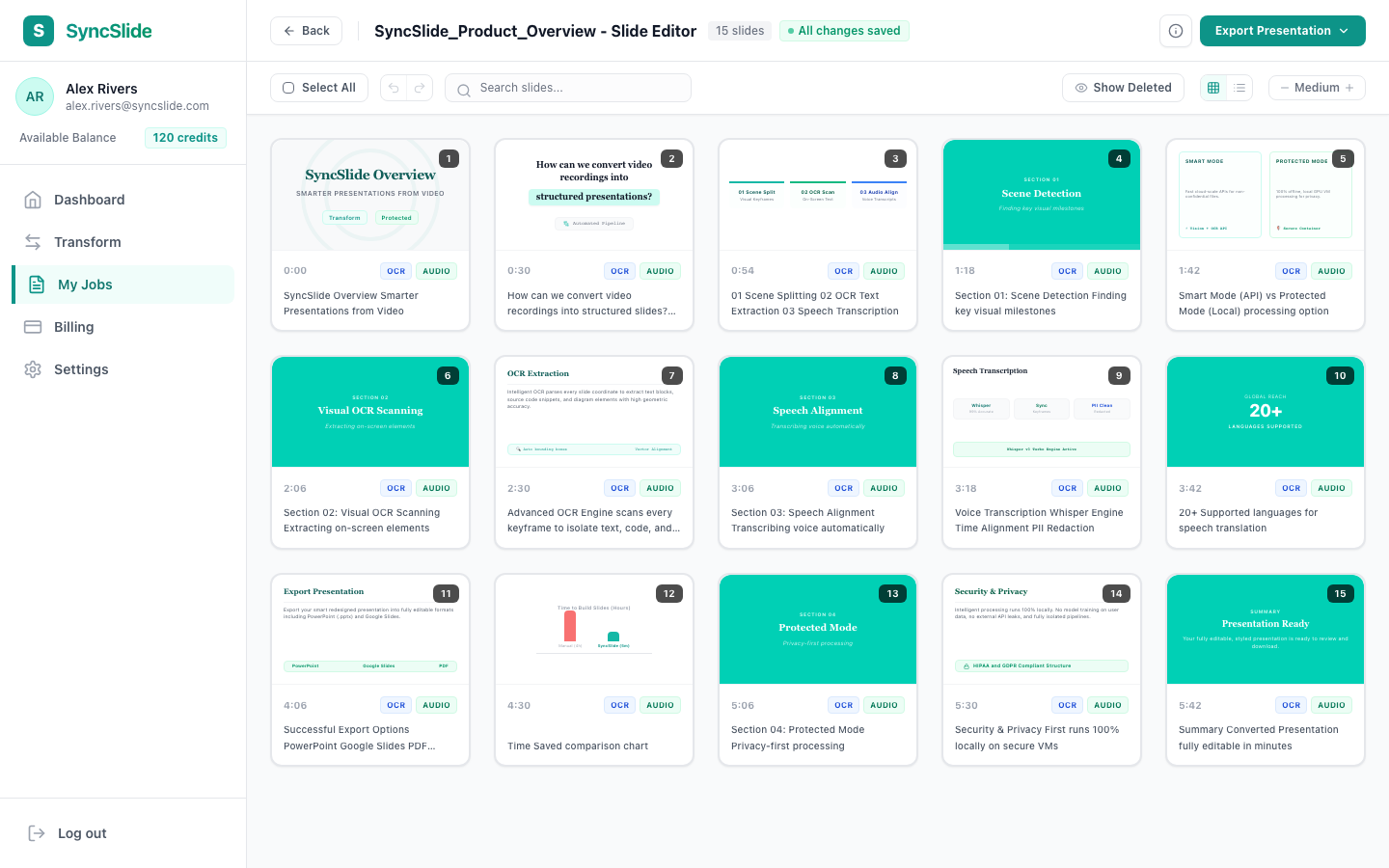
✨ Dashboard Overview
Track processing minutes, credits, and active slide generation jobs in real-time.
An all-in-one presentation engine built for modern workflows
No complex timelines, no bloated editing software, and no proprietary lock-ins. Convert, redesign, and voice-narrate your media seamlessly.
The Dual-Engine Media Pipeline
Automatically extract clean, editable PowerPoint slide decks and full speaker notes from Zoom or screen recordings—OR—synthesize static presentation slide files into beautifully narrated video walkthroughs in 20+ languages.
Extract scene-cuts & speech
Multilingual audio overlays
Protected Sandboxed Mode
Maximum corporate privacy. Processes highly sensitive corporate webinars, financial audits, or academic lectures in an encrypted local sandbox. Your video never leaves our secure servers.
Smart Slide Redesign
Instantly transform messy or unaligned text-heavy slides into professionally balanced cards using modern design presets. Preserve your original layout while generating visual structure and notes in 1 click.
Universal Format Sovereignty
Zero platform lock-ins. Open slide decks natively in Google Slides for cloud-based presentation editing, download full PowerPoint (.pptx) slide files for Microsoft environments, download standard PDFs, or export narrated MP4 presentations.
Version History & Revert
Protecting your original work. Every layout variation, redesigned slide theme, or narration draft is captured as a distinct version. Switch between styles or restore your original slide content at any time.
Upload Your Video Files
Upload files from your device, record your screen directly in the browser, or import from Zoom, Teams, Loom, and more
Supported Video Sources
Local Video Files
Upload from device
- MP4, AVI, MOV
- MKV, WebM, FLV
- 100MB (Free) • 2GB (Paid)
- Drag & drop
In-Browser Recording
Record right here
- Screen, tab, or window
- Audio capture included
- No software to install
- Instant upload to process
Screen Recordings
Zoom, Teams, Loom
- Meeting recordings
- Webinars
- Presentations
- Tutorials
Captured Content
Screen captures & demos
- OBS recordings
- Game captures
- Software demos
- Training videos
Enterprise-Grade Security
All files encrypted in transit and at rest with AES-256
Protected Mode Available
Premium users get encrypted, private processing for complete data confidentiality
Your Data, Your Control
Never used for model training • Delete anytime from dashboard
How It Works
From video to slides, slides to video, or a complete slide makeover—create professional media in 3 simple steps.
Upload Your Media
Upload a video file, record your screen, or upload a static presentation (PPTX/PDF). Choose Smart Mode for lightning-fast results or Protected Mode for maximum encrypted privacy.
Intelligent System Processes Everything
Our dual-engine system automatically captures scenes, speech, and text to build slides—OR—if you uploaded a presentation, it synthesizes ultra-realistic voiceovers from your speaker notes in 20+ languages. You can also redesign any slide using curated smart design templates before you export.
Review, Redesign & Export
Use the interactive editor to tweak your slide layouts or rewrite speaker notes. Redesign any slide with smart templates in one click, then export instantly to Google Slides, PowerPoint, PDF, or a narrated MP4.
Designed to maximize retention & speed
No matter your role, SyncSlide helps you synthesize complex information and repurpose existing presentations instantly.
Lecture-to-Study Summary
Tired of scrubbing 2-hour zoom lectures? Drop in any lecture video or lecture recording to extract a beautifully structured presentation deck with visual chalkboards, core theorems, and complete speaker summaries in seconds.
Webinar-to-Sales Assets
Turn your live webinar recordings or Zoom product demos into clean pitch decks, client guides, or fully narrated video walkthroughs. Instantly redesign slides with modern corporate styles to match company branding.
Async Meeting Recaps
Skip the dry board meetings. Convert Zoom or MS Teams recaps into action-ready presentations with auto-captured transcripts, or narrate slide updates into fully translated video files for global teams across 20+ languages.
Video Course Creation
Bulk-convert standard guides, manuals, and Powerpoint decks into engaging, high-definition narrated MP4 video courses. Select from premium neural speaker voices that auto-detect script languages.
Flexible, Transparent Pricing
Loading pricing details...
Frequently Asked Questions
Everything you need to know about SyncSlide's smart media pipeline, privacy, and billing.